Phones, tablets, and hotspots fail in ways that feel random until you understand what the cellular network is trying to do. A user says, “My phone shows bars, but nothing loads,” or “Calls drop when I drive across town.” Those are common help desk tickets for field staff, remote workers, and anyone who relies on mobile data away from Wi-Fi.
CompTIA A+ 220-1201 Objective 2.7 (Cellular) focuses on the basics you need to support these issues: cellular standards, cellular generations (2G through 5G), and a set of terms that appear in real troubleshooting (SIM, APN, hotspot, PRL, VoLTE). This guide keeps the language simple, ties each term to a support scenario, and ends with quick exam reminders you can use before practice questions.
Cellular basics you must know for the A+ exam
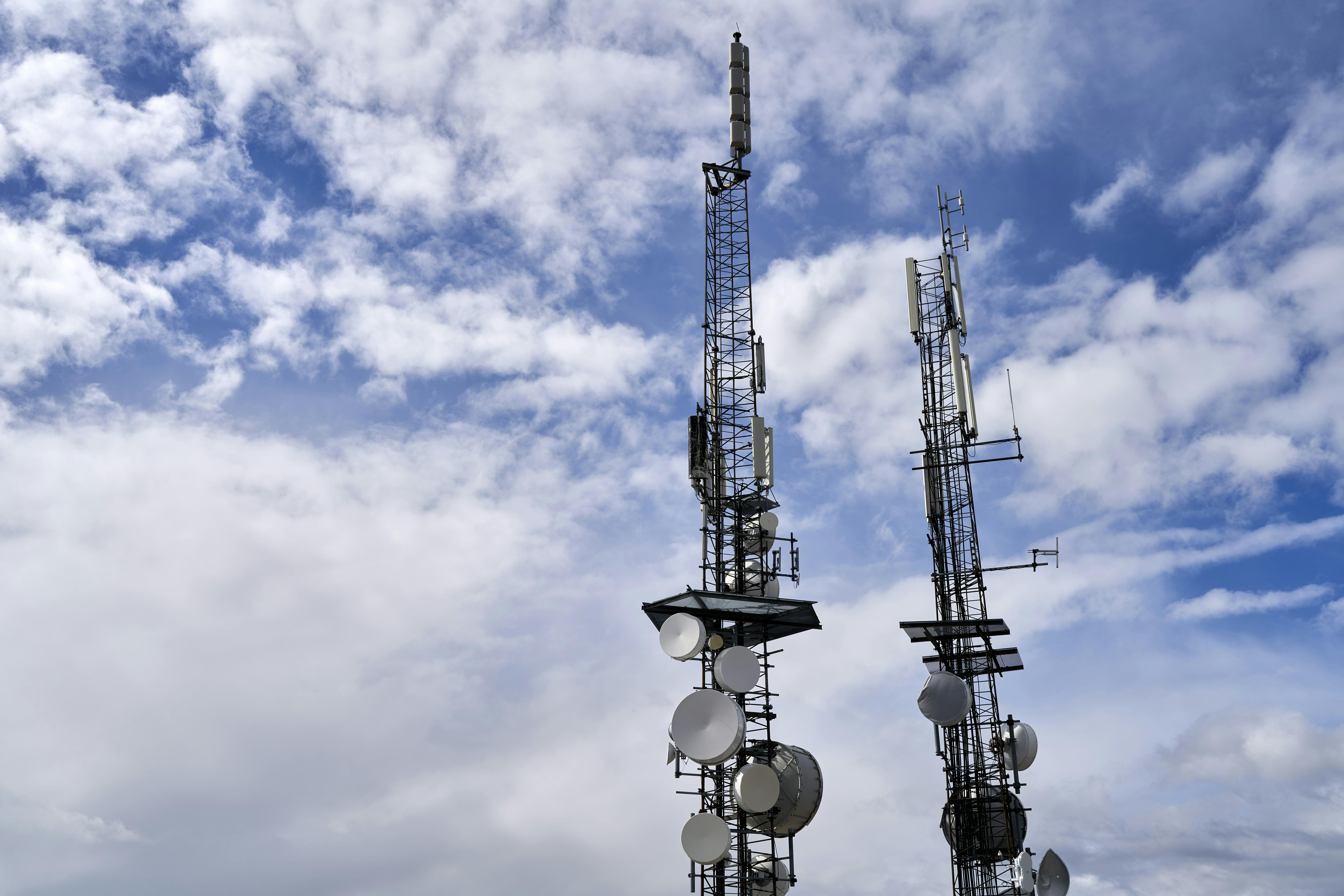
A cellular network is built around a simple idea: instead of one large transmitter covering an entire city, the area is split into many small coverage zones called cells. Each cell is served by a nearby cell site (often called a tower, even when the antennas are on a rooftop). Your device connects to the closest usable site, and it switches sites as you move.
From a support view, it helps to picture a chain of links. The phone talks over radio waves to a nearby site. The site then sends your traffic into the carrier’s network, where voice and data services live. If any link in that chain is weak, you see symptoms like slow data, dropped calls, or “No service.”
Coverage is not uniform. Buildings, hills, and even weather can change signal quality. Congestion matters too. A phone may show signal bars but still struggle if too many users share the same radio resources. That is why you can get good service at 7 a.m. and poor service at 5 p.m. in the same parking lot.
For the A+ exam, you don’t need radio math. You do need clear meanings for the core pieces: what a cell site does, how a device moves between sites, and what “backhaul” means when a tower looks fine but service still fails.
How a phone connects, from tower to the carrier network
A cell site is the physical location that provides cellular coverage for an area. It includes antennas and radio equipment that communicate with phones. Many sites are split into sectors, which are directional coverage slices (often three) that help the site serve more users without wasting power in all directions.
The radio equipment that manages the connection to phones is often described as the base station (you may also hear “radio access network” in broader discussions). For A+ purposes, treat it as “the part of the tower that talks to the phone.”
A cell is the coverage area served by that site (or by one sector). Cells overlap by design, which allows movement. When you drive, your phone measures signal quality and the network coordinates a handoff (handover), moving the active connection from one site to another. A clean handoff usually goes unnoticed. A poor handoff is how you get a call that cuts out at the same intersection every day.
After the tower receives your traffic, it must reach the carrier’s core network. That link is the backhaul. Backhaul can be fiber, microwave, or other provider links. If backhaul is down or congested, users may see strong signal bars with unusable data, because the site can’t pass traffic to the rest of the network.
Common cellular terms: SIM, IMSI, ICCID, and APN
A SIM (Subscriber Identity Module) is the “membership card” that lets a device authenticate on a carrier network. Many phones now use eSIM, which is the same concept stored as a digital profile rather than a removable card. Support issues often look similar across both, activation failures, missing service after a swap, or the wrong line selected for data.
Two identifiers show up in troubleshooting and exam questions:
- IMSI (International Mobile Subscriber Identity): identifies the subscriber account on the network. Think “who you are” to the carrier.
- ICCID (Integrated Circuit Card Identifier): identifies the SIM card itself. Think “which card” (or eSIM profile) is in use.
In practice, a carrier may ask for the ICCID when activating a new SIM, and the network uses subscriber identity data (tied to the IMSI) to decide what services you’re allowed to use.
An APN (Access Point Name) is a carrier setting that tells the device how to reach mobile data services. It points the device to the correct gateway for internet access, messaging services, or private enterprise networks.
A common support pattern is simple: the phone shows LTE or 5G, but web pages won’t load. If Wi-Fi works and airplane mode cycling does nothing, check the APN. A wrong APN (or a blank APN after a reset) can block mobile data even when signal strength looks fine.
Generations and standards, what changes from 2G to 5G
Cellular “G” labels describe major generations of network capability. Each generation changes speed, how voice is carried, and what devices can connect. For the A+ exam, focus on the practical outcomes: what the user sees on the status bar, what the carrier may still support, and why an older phone may suddenly lose service.
Also keep the current reality in mind.