A network cable that looks perfect can still fail the moment you plug it in. The plastic connector clicks, the lights blink, and the connection still doesn't work. Most of the time the problem isn't the copper, it's the order of the wires inside the connector.
CompTIA A+ Core 1 (220-1201) covers Ethernet cabling and physical networking, and this objective expects you to recognize the common connectors, identify the two wiring standards used for twisted-pair cable, and know when a cable should be wired straight-through versus crossover. In the field this knowledge decides whether a run works on the first try or sends you back to re-terminate an end.
This article stays on what a technician actually handles: the connectors you crimp or punch down, the color-code standards you follow, and the pinout choices that separate a working cable from a returned one.
The connector tells you what kind of link you're building
Before you look at wiring, identify the connector, because the connector reveals the cable's job. On the A+ exam and on a real service call, matching the connector to the port is the first check.
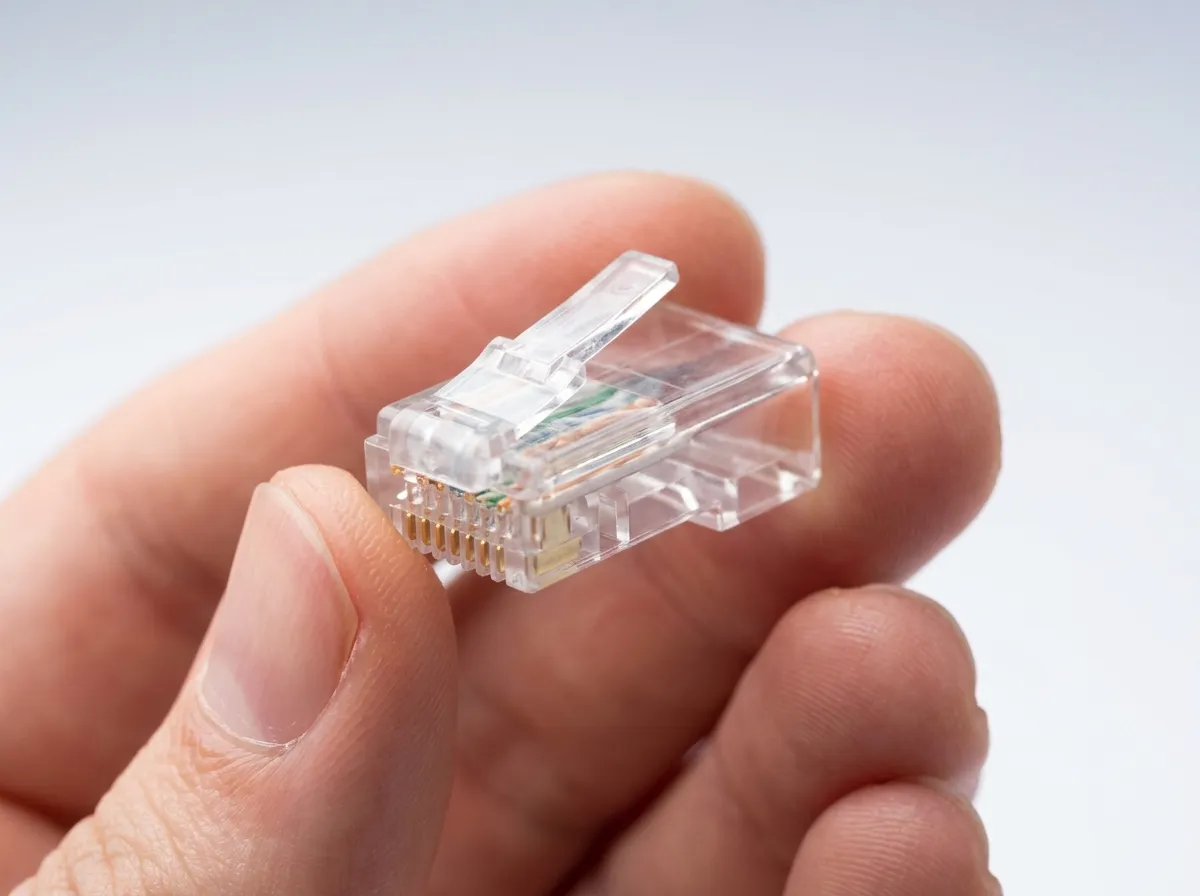
The connector you'll see most on Ethernet is the 8P8C modular plug, almost always called RJ45. It has eight pins in eight positions and terminates four-pair twisted copper cable. Every wired Ethernet connection you support, from a desktop to a wall jack to a switch port, uses this plug. When someone says "network cable end," they mean RJ45.
RJ11 looks similar but is smaller and uses fewer positions, typically wiring two pairs for analog telephone lines and some DSL connections. It's easy to confuse RJ11 with RJ45 at a glance, so check the width. An RJ11 plug will slide loosely into an RJ45 jack and won't seat correctly. In exam terms, remember RJ45 for Ethernet and RJ11 for phone.
You should also recognize the connectors used on other cable types you may encounter on the same job:
- F-type: the threaded, screw-on connector used on coaxial cable for cable internet, cable and satellite TV, and antenna feeds. It has no separate pin; the cable's own center conductor does that job. You'll see it on the RG-6 coax running to a cable modem, set-top box, or satellite receiver, and it must be tightened with a 7/16-inch wrench, not just pushed on. Coaxial cable, RG-6 versus RG-59, and impedance are covered in the Coaxial Cable and the F-Type Connector article.
- LC and SC: fiber-optic connectors. LC is the small form factor connector common on modern switches and transceivers; SC is a larger square push-pull connector. Fiber uses light rather than copper, so these carry no electrical pinout.
The core idea is simple. Copper twisted-pair Ethernet uses RJ45, telephone uses RJ11, coax uses F-type, and fiber uses connectors like LC and SC. Get the connector right and you've already narrowed down the wiring rules that apply.
T568A and T568B are the two color codes that make a cable work
Inside an RJ45 plug, eight wires must land on eight pins in a specific order. That order is defined by two wiring standards, T568A and T568B. They exist so that both ends of a cable, and both ends of an entire installed link, use a matching pin arrangement.