
What is HDMI?
HDMI is a widely adopted digital interface standard that allows the transfer of high-definition video and audio signals between various electronic devices, such as TVs, computers, media players, and game consoles. It was developed to replace the older analog interfaces like VGA, DVI, and component video, providing a more streamlined and higher-quality digital connection.
How HDMI Works
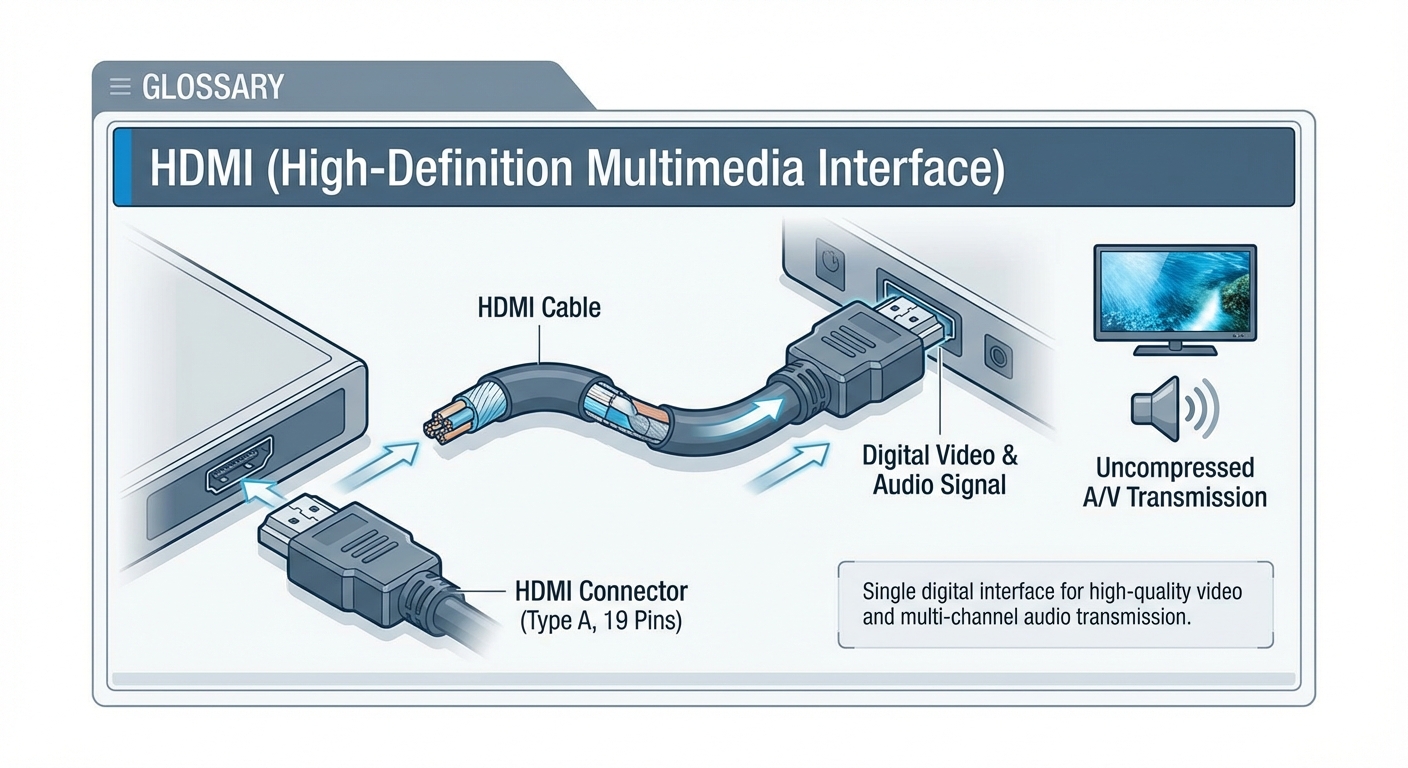
HDMI utilizes a digital, uncompressed signal transmission to deliver video and audio data from a source device (e.g., a laptop, game console, or media player) to a display (e.g., a TV, monitor, or projector). The HDMI cable carries both video and audio signals, eliminating the need for separate cables for each. HDMI supports a wide range of resolutions, from 640x480 up to 8K at 60Hz, as well as high-definition audio formats like Dolby Digital, DTS, and uncompressed PCM audio.
The HDMI protocol uses a process called TMDS (Transition-Minimized Differential Signaling) to transmit the digital data. TMDS encodes the video and audio data into a high-speed, low-voltage differential signal that is then sent over the HDMI cable. This ensures a reliable, low-noise transmission of the data with minimal interference.
Key HDMI Features and Capabilities
- High-Definition Video: HDMI supports a wide range of resolutions, including 1080p, 4K, and 8K, as well as high refresh rates up to 120Hz (or 144Hz for gaming).
- High-Quality Audio: HDMI can carry both uncompressed and compressed multi-channel digital audio formats, such as Dolby Atmos, DTS:X, and lossless PCM audio.
- Consumer Electronics Control (CEC): HDMI allows compatible devices to control each other, enabling features like automatic TV power-on, single remote control, and device-to-device communication.
- Ethernet Data Channel: Some HDMI versions support an Ethernet data channel, allowing HDMI-connected devices to share an Internet connection.
- Dynamic HDR: HDMI supports dynamic HDR (High Dynamic Range) formats like Dolby Vision, HDR10+, and HLG, which provide enhanced color, contrast, and brightness.
HDMI Versions and Capabilities
HDMI has evolved over several versions, each introducing new features and improvements:
- HDMI 1.4 (2009): Supported 4K video, 3D video, Ethernet data channel, and Audio Return Channel (ARC).
- HDMI 2.0 (2013): Increased maximum resolution to 8K at 60Hz, added support for HDR, and increased maximum bandwidth to 18Gbps.
- HDMI 2.1 (2017): Introduced support for 8K at 120Hz, 4K at 120/144Hz, and enhanced HDR formats like Dolby Vision, HDR10+, and HLG.
Common Use Cases for HDMI
HDMI is widely used in a variety of consumer electronics and entertainment systems, including:
- TVs and Displays: HDMI is the standard connection for modern HDTVs, computer monitors, and projectors.
- Streaming Devices: Devices like Roku, Apple TV, Amazon Fire TV, and Google Chromecast use HDMI to connect to TVs.
- Game Consoles: Popular gaming systems, such as PlayStation, Xbox, and Nintendo Switch, utilize HDMI for video and audio output.
- Laptops and Computers: HDMI ports allow laptops, desktops, and mini PCs to connect to external displays, TVs, and projectors.
- Home Theater Systems: HDMI enables the connection of Blu-ray players, media centers, and AV receivers to TVs and surround sound systems.
Best Practices and Considerations
When working with HDMI, it's important to consider the following best practices and important factors:
- Cable Quality: Use high-quality, certified HDMI cables to ensure reliable signal transmission, especially for higher resolutions and longer cable runs.
- HDMI Version Compatibility: Ensure that both the source and display devices support the same HDMI version to take advantage of the desired features and capabilities.
- HDCP (High-bandwidth Digital Content Protection): HDCP is a digital rights management system that protects against unauthorized copying of content. Ensure compatibility between devices to avoid playback issues.
- Power and Signal Integrity: Avoid excessive cable lengths, sharp bends, or other factors that can degrade the HDMI signal and cause compatibility problems.
HDMI has become the de facto standard for connecting high-definition audio and video devices, providing a simple, all-in-one solution that delivers exceptional quality and performance.