
What are Solid State Drives (SSDs)?
Solid State Drives (SSDs) are the standard storage medium for almost all modern mobile computing devices due to their superior performance characteristics. Unlike traditional Hard Disk Drives (HDDs) that store data magnetically on spinning platters, SSDs utilize NAND flash memory chips to store data, eliminating the need for mechanical components. This gives SSDs several key advantages over HDDs, including significantly faster read/write speeds, lower power consumption, increased durability, and reduced heat generation.
How SSDs Work
SSDs store data using NAND flash memory chips, which are a type of non-volatile semiconductor memory. Data is written to and read from these flash memory cells electronically, rather than being accessed by a mechanical read/write head like in an HDD. This allows SSDs to access data much more quickly, with access times measured in microseconds compared to the milliseconds required by HDDs.
SSDs also employ sophisticated wear leveling algorithms to distribute data writes evenly across the flash memory chips. This helps maximize the lifespan of the drive by preventing certain cells from wearing out prematurely due to repeated writes. While SSDs do have a finite lifespan, modern consumer-grade SSDs are typically rated for hundreds of terabytes written (TBW) before wearing out.
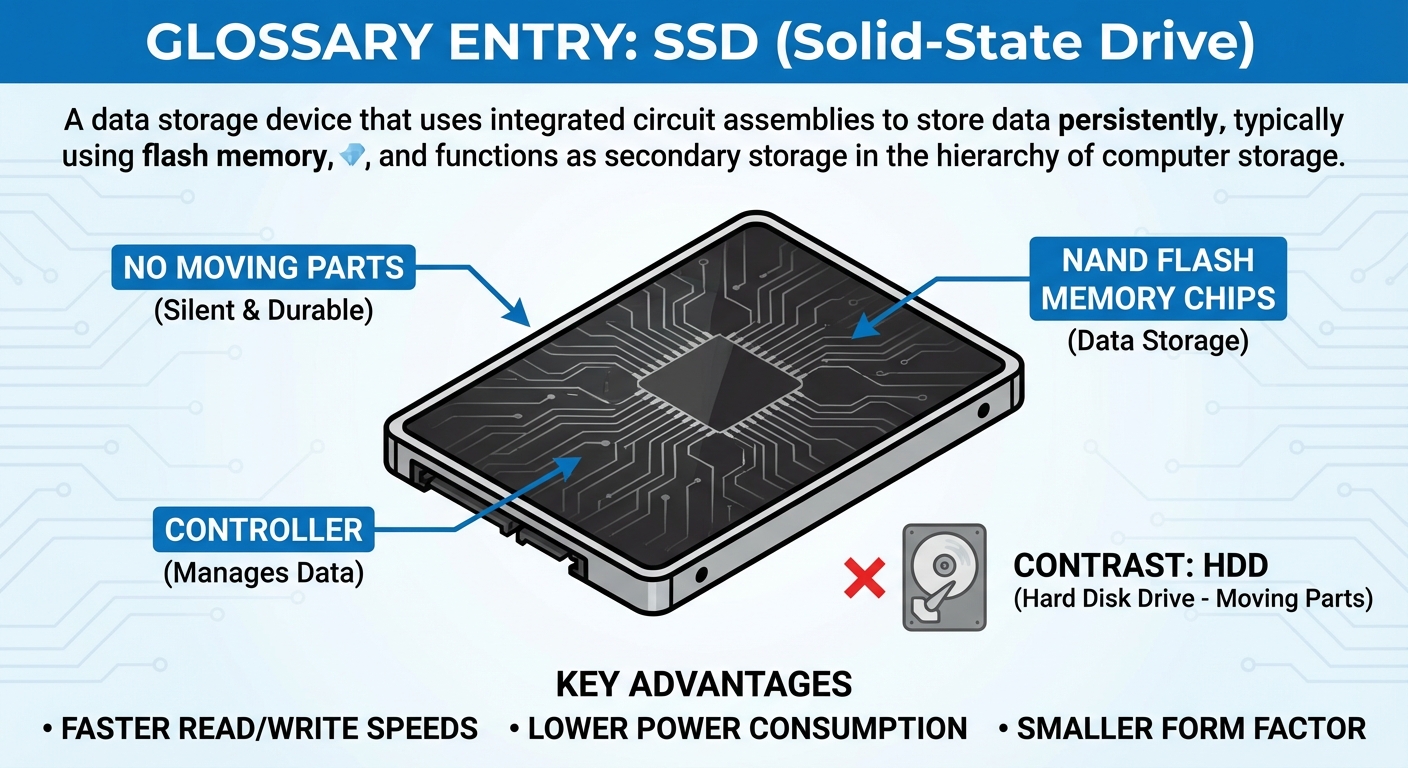
Key Advantages of SSDs
- Speed: SSDs provide significantly faster read and write speeds compared to HDDs, leading to quicker boot times and snappier application performance.
- Power Efficiency: SSDs consume less power than HDDs, which helps extend the battery life of mobile devices.
- Durability: The lack of moving parts makes SSDs highly resistant to shock and vibration, making them well-suited for mobile environments.
- Heat Generation: SSDs generate less heat than spinning HDDs, which is beneficial for mobile devices with limited cooling capabilities.
Common SSD Use Cases
SSDs are widely used in a variety of computing devices, particularly in the following scenarios:
- Mobile Computing: As the standard storage medium for laptops, ultrabooks, and other mobile devices due to their performance, power efficiency, and durability advantages.
- High-Performance Computing: SSDs are commonly used in desktop PCs, workstations, and servers that require fast storage access times for demanding applications like video editing, 3D rendering, and scientific computing.
- Enterprise Storage: SSDs are increasingly being adopted in enterprise data centers and storage arrays to provide low-latency, high-throughput storage for mission-critical applications.
Important Considerations
While SSDs offer many benefits, there are a few important factors to consider when working with them:
- Capacity vs. Cost: SSDs generally have a higher cost-per-gigabyte ratio compared to HDDs, so capacity may be a consideration for some use cases.
- Endurance: While modern SSDs have excellent endurance, they do have a finite lifespan due to the nature of flash memory. Proper monitoring and management of SSD wear can help maximize their lifespan.
- Compatibility: When replacing or upgrading storage in a mobile device, it's crucial to ensure that the new SSD matches the form factor and interface (e.g., SATA, M.2, NVMe) supported by the host system.