
Free CompTIA A+ labs
Real hands-on labs from the ExamWizardz A+ course, playable right here with no account. Build a PC on the bench, work a Windows desktop, type commands into a terminal, and get graded the moment you submit.
81 hands-on labs in the course: 52 Windows desktop sims, 27 PC bench builds, 2 command-line labs.
Build a PC from Parts
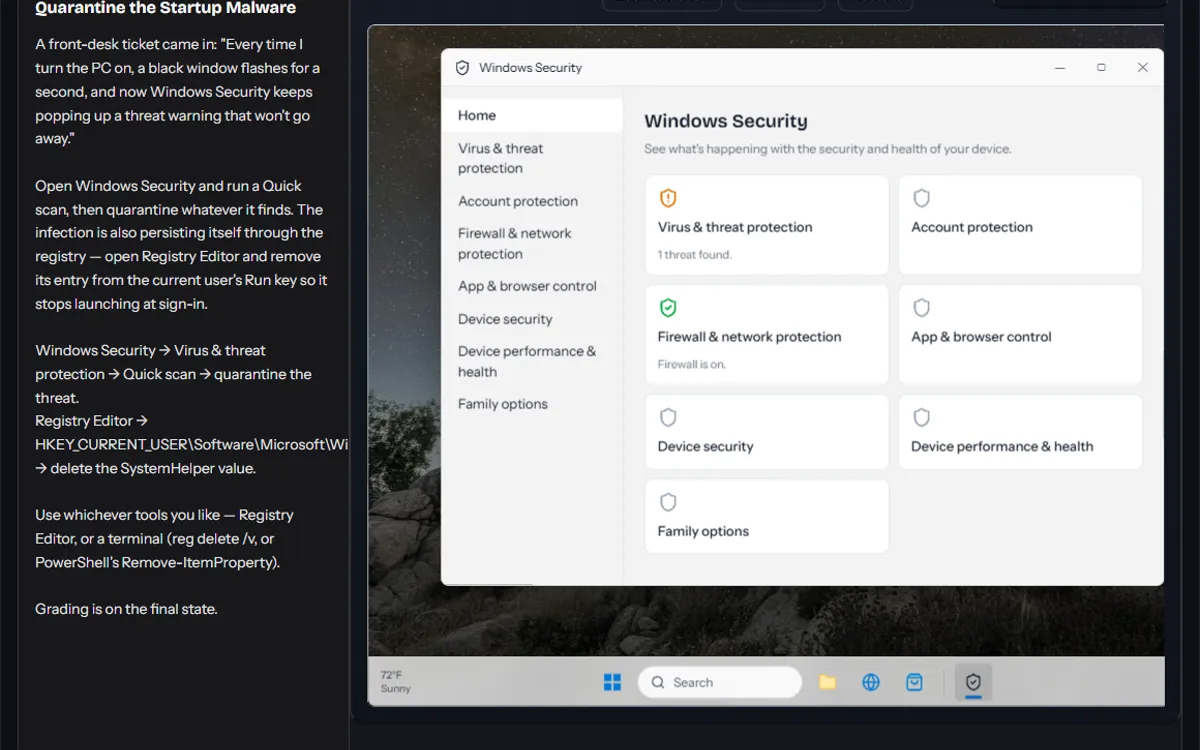
A bare case just arrived on the bench with nothing installed. The parts shelf holds what you need: a motherboard, a CPU, thermal paste, a cooler, two 8GB DIMMs, a 512GB NVMe SSD, a graphics card, and a PSU. Install those parts (paste on the CPU before the cooler goes on), then make every connection below.
Inside the case: the 24-pin ATX and CPU 8-pin power cables to the motherboard, the PCIe power cable to the graphics card, the cooler's fan lead to the CPU_FAN header, and the case's power switch lead to the PWRSW pins.
Outside the case: the PC and monitor power cords to wall outlets, a video cable from the graphics card to the monitor (a seated card turns off the board's own video ports), the keyboard and mouse to rear USB ports, and an Ethernet cable from the PC's network port to a wall jack.
Power it on, verify it POSTs and the monitor shows a signal, and set the NVMe SSD as the 1st Boot Priority device in UEFI.
Sign in with the local Repair account, password Repair!23.
Diagnose the 169.254 Address
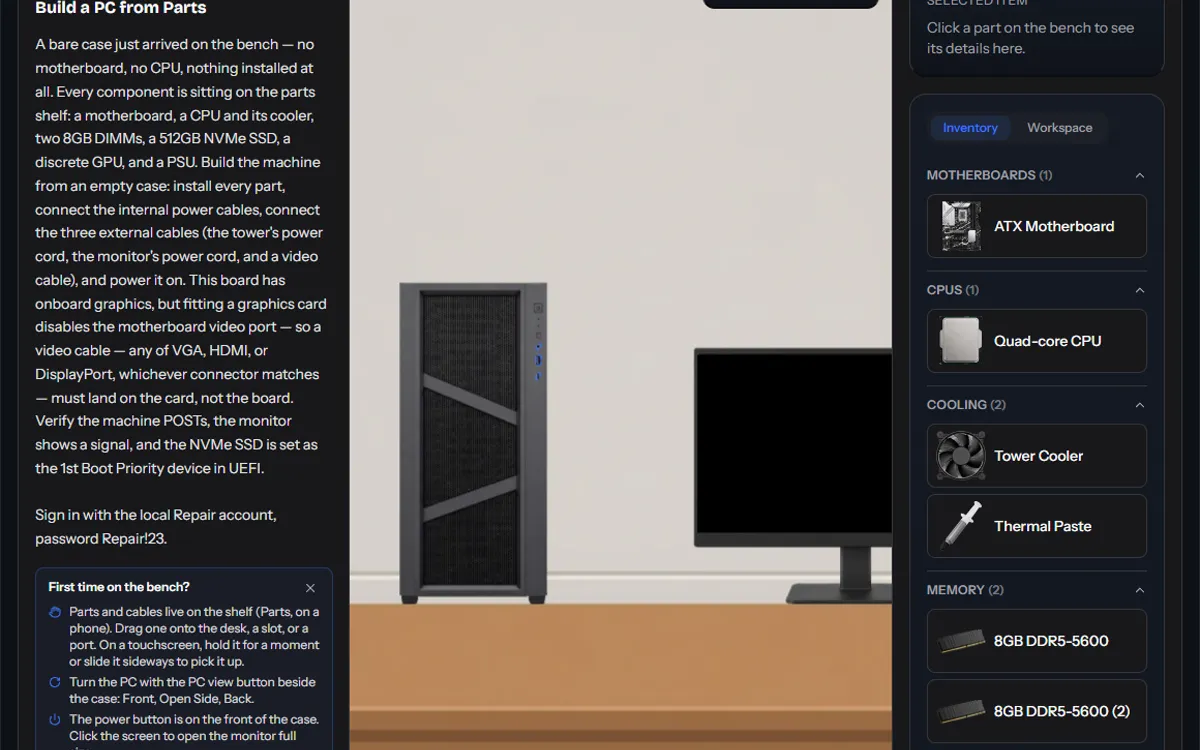
A workstation can't reach the shared drive or the internet — nothing off this machine loads, though the mapped local printer still works fine. Open a Command Prompt and run ipconfig to see what the Ethernet adapter is actually configured with. It reads 169.254.18.44 with no default gateway.
That's not an address any server handed out — it's the address the adapter gave itself. Unlike the front-desk PC on the printer VLAN, this segment does have a DHCP server reachable, so a fresh request should succeed: release the dead lease with ipconfig /release, then request a fresh one with ipconfig /renew. Verify the new configuration with ipconfig before submitting.
Quarantine the Startup Malware
A front-desk ticket came in: "Every time I turn the PC on, a black window flashes for a second, and now Windows Security keeps popping up a threat warning that won't go away."
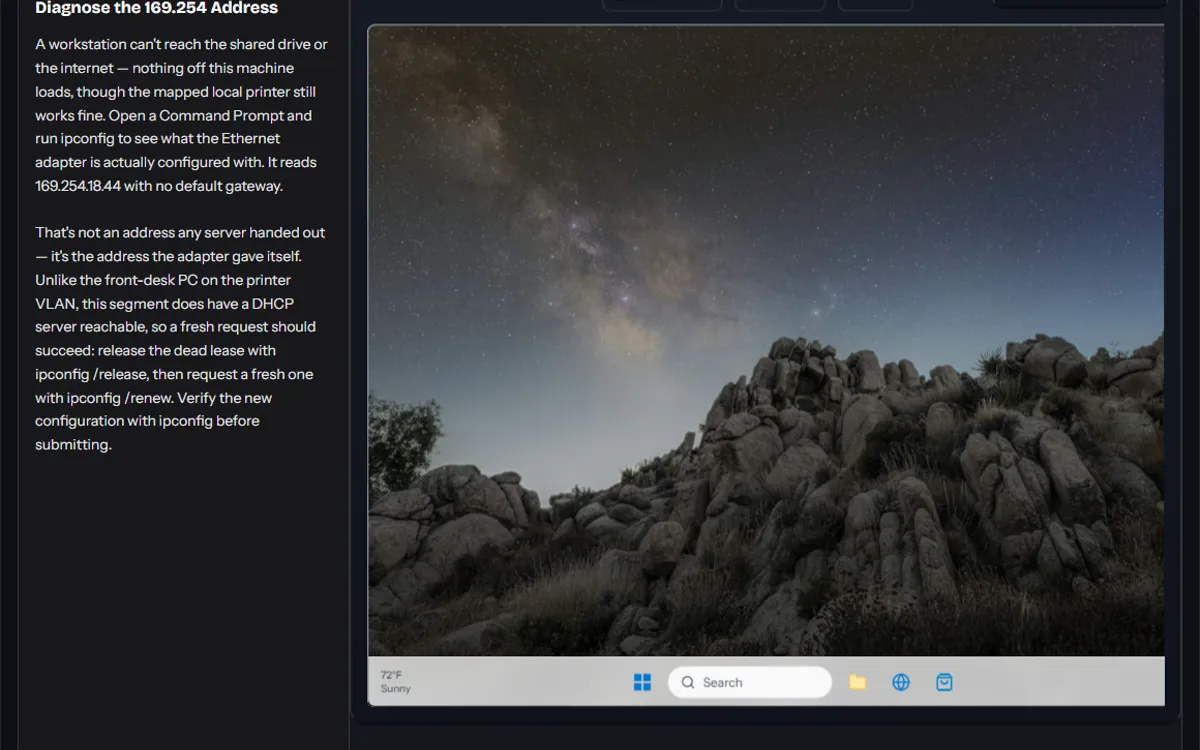
Open Windows Security and run a Quick scan, then quarantine whatever it finds. The infection is also persisting itself through the registry — open Registry Editor and remove its entry from the current user's Run key so it stops launching at sign-in.
Windows Security -> Virus & threat protection -> Quick scan -> quarantine the threat. Registry Editor -> HKEY_CURRENT_USER\Software\Microsoft\Windows\CurrentVersion\Run -> delete the SystemHelper value.
Use whichever tools you like — Registry Editor, or a terminal (reg delete /v, or PowerShell's Remove-ItemProperty).
Grading is on the final state.
Every lab in the course
Play now runs here with no account. Free account labs open when you sign up free. Pro labs are part of the full A+ course.
CompTIA A+ Core 1 (220-1201)
Hardware
- Build a PC from PartsPC bench · Section 2: Motherboards, CPUs, and System ArchitecturePlay now
- Finish and Verify a WorkstationPC bench · Section 2: Motherboards, CPUs, and System ArchitectureFree account
- Wire the Front PanelPC bench · Section 2: Motherboards, CPUs, and System ArchitectureFree account
- Fix the Boot Order SabotagePC bench · Section 3: BIOS, UEFI, Security Hardware, and Boot ConfigurationFree account
- Verify TPM Status in PowerShellCommand line · Section 3: BIOS, UEFI, Security Hardware, and Boot ConfigurationFree account
- Harden the Workstation FirmwarePC bench · Section 3: BIOS, UEFI, Security Hardware, and Boot ConfigurationFree account
- Configure Virtual Memory in WindowsDesktop sim · Section 4: RAM and System MemoryFree account
- Upgrade and boot the office towerPC bench · Section 4: RAM and System MemoryFree account
- Add a Second Drive to a Working PCPC bench · Section 5: Storage Devices and RAIDPro
- Add a Backup Volume with Disk ManagementDesktop sim · Section 5: Storage Devices and RAIDPro
- Build the File Server's RAID ArrayDesktop sim · Section 5: Storage Devices and RAIDPro
- Diagnose the Failing RAID MemberDesktop sim · Section 5: Storage Devices and RAIDPro
- Cure the Overheating TowerPC bench · Section 6: Power Supplies and CoolingPro
- Replace the Failing Power SupplyPC bench · Section 6: Power Supplies and CoolingPro
- Cable the Workstation Back UpPC bench · Section 7: Cables, Connectors, and AdaptersPro
- Set Up a Desktop ComputerPC bench · Section 7: Cables, Connectors, and AdaptersFree account
- Pick the Right Cable for Every JobPC bench · Section 7: Cables, Connectors, and AdaptersPro
- Connect the Second MonitorPC bench · Section 8: Displays and Video TechnologiesPro
- Tune the DisplayDesktop sim · Section 8: Displays and Video TechnologiesPro
Networking
- Client-Server or Peer-to-Peer?Desktop sim · Section 9: Networking FoundationsPro
- Find Where the Network BreaksDesktop sim · Section 9: Networking FoundationsPro
- Set Up the SOHO RouterDesktop sim · Section 11: Network DevicesPro
- Lock Down the RouterDesktop sim · Section 11: Network DevicesPro
- Give the Front Desk PC a Static IPDesktop sim · Section 12: IP Addressing and SOHO NetworksPro
- DHCP Server Turned OffDesktop sim · Section 12: IP Addressing and SOHO NetworksPro
- Diagnose the 169.254 AddressDesktop sim · Section 12: IP Addressing and SOHO NetworksPlay now
- Restore the Wireless ConnectionDesktop sim · Section 13: Wireless NetworkingPro
- Get On the Right BandDesktop sim · Section 13: Wireless NetworkingPro
- Firewall Rules by the NumbersDesktop sim · Section 14: TCP, UDP, Ports, and ProtocolsPro
- Open the Port for the AppDesktop sim · Section 14: TCP, UDP, Ports, and ProtocolsPro
- Fix the DNS Server AssignmentDesktop sim · Section 15: DNS, DHCP, VLANs, and VPNsPro
- Reserve the Printer's AddressDesktop sim · Section 15: DNS, DHCP, VLANs, and VPNsPro
- Connect to the File ShareDesktop sim · Section 16: Network Services and ServersPro
- Cable the New RouterPC bench · Section 17: Internet Connection TechnologiesPro
- No Internet — ISP SidePC bench · Section 17: Internet Connection TechnologiesPro
- Diagnose the Dead Network DropDesktop sim · Section 18: Network Tools and Hands-On DiagnosticsPro
- Software Toolkit TriageDesktop sim · Section 18: Network Tools and Hands-On DiagnosticsPro
Mobile Devices
- Pair the Bluetooth AccessoriesDesktop sim · Section 20: Mobile Accessories and ConnectivityPro
- Set Up Hotspot and TetheringDesktop sim · Section 21: Mobile Networking and Device ManagementPro
Printers
- Set Up and Share the Office PrinterDesktop sim · Section 22: Printers and Multifunction DevicesPro
- Service the Paused PrinterDesktop sim · Section 23: Printer MaintenancePro
- Service the Laser PrinterDesktop sim · Section 23: Printer MaintenancePro
Virtualization & Cloud
- Hyper-V Won't InstallPC bench · Section 24: VirtualizationPro
- Provision the Cloud EnvironmentPC bench · Section 25: Cloud ComputingPro
Troubleshooting
- Diagnose a POST beep code: keyboard controller failurePC bench · Section 26: PC Hardware TroubleshootingPro
- Diagnose a POST beep code: parity errorPC bench · Section 26: PC Hardware TroubleshootingPro
- Diagnose a POST beep code: processor failurePC bench · Section 26: PC Hardware TroubleshootingPro
- Diagnose a POST beep code: timer failurePC bench · Section 26: PC Hardware TroubleshootingPro
- Diagnose a POST beep code: virtual mode exceptionPC bench · Section 26: PC Hardware TroubleshootingPro
- Troubleshoot: PC won't boot (no POST)PC bench · Section 26: PC Hardware TroubleshootingPro
- The Disappearing DrivePC bench · Section 27: Storage and RAID TroubleshootingPro
- Enable RAID and Build the MirrorPC bench · Section 27: Storage and RAID TroubleshootingPro
- Rebuild the Degraded ArrayDesktop sim · Section 27: Storage and RAID TroubleshootingPro
- Dead Graphics Card: Fall Back to OnboardPC bench · Section 28: Display and Projector TroubleshootingPro
- No Display: Isolate ItPC bench · Section 28: Display and Projector TroubleshootingPro
- No Default Gateway: Can't Reach the ServerDesktop sim · Section 30: Network TroubleshootingPro
- No Internet: Work the StackDesktop sim · Section 30: Network TroubleshootingPro
- Nothing Will PrintDesktop sim · Section 31: Printer TroubleshootingPro
CompTIA A+ Core 2 (220-1202)
Operating Systems
- Organize the Front Desk DocumentsDesktop sim · Section 3: Features of Microsoft WindowsFree account
- Stop the Laptop from Sleeping in the DemoDesktop sim · Section 4: Windows Operating System Features and ToolsFree account
- The Missing File ExtensionsDesktop sim · Section 4: Windows Operating System Features and ToolsFree account
- File Management from the Command LineDesktop sim · Section 5: Microsoft Command-line ToolsPro
- Chase the Connection from the Command LineDesktop sim · Section 5: Microsoft Command-line ToolsPro
- Read the System from the Command LineDesktop sim · Section 5: Microsoft Command-line ToolsPro
- Set Up the New Front Desk LaptopDesktop sim · Section 6: Microsoft Windows settingsPro
- Join the Secure Office WirelessDesktop sim · Section 7: Windows Networking FeaturesPro
- Put the AV Rack PC on Its VLANDesktop sim · Section 7: Windows Networking FeaturesPro
- Remove the Trial BloatwareDesktop sim · Section 10: Install Applications According to RequirementsPro
Security
- Lock Down the Shared FolderDesktop sim · Section 12: Summarize Security MeasuresPro
- Harden the Front Desk Local AccountsDesktop sim · Section 13: Microsoft Windows OS Security SettingsPro
- Harden the Password PolicyDesktop sim · Section 13: Microsoft Windows OS Security SettingsPro
- Move the Office to WPA3Desktop sim · Section 14: Wireless security protocols and authentication methodsPro
- Quarantine the Startup MalwareDesktop sim · Section 15: Types of Malware and Tools/Methods for Detection, Removal, and PreventionPlay now
- Lock Down the Public Network FirewallDesktop sim · Section 18: Workstation security options and hardening techniquesPro
- Hide the Camera NetworkDesktop sim · Section 21: Security Settings on SOHO Wireless and Wired NetworksPro
- Close the Router's Open DoorsDesktop sim · Section 21: Security Settings on SOHO Wireless and Wired NetworksPro
- Harden the Front Desk BrowserDesktop sim · Section 22: Security Settings in a BrowserPro
Software Troubleshooting
- Repair the Boot from WinRECommand line · Section 23: Troubleshoot Common Windows OS IssuesPro
- Stop the Clock DriftDesktop sim · Section 23: Troubleshoot Common Windows OS IssuesPro
- Tame the Slow, Sluggish StartupDesktop sim · Section 23: Troubleshoot Common Windows OS IssuesPro
- Clean Up the Hijacked BrowserDesktop sim · Section 26: Common Personal Computer (PC) Security IssuesPro
How the labs fit the A+ exam
Both A+ exams open with performance-based questions (PBQs): tasks you complete in a simulated system instead of picking an answer. These labs practice the same skills end to end, from building and booting a PC to reading ipconfig output and cleaning up malware. For shorter drag-and-drop PBQs, try the free PBQ practice. For multiple choice, take the free A+ practice test.
Questions about the labs
Are these CompTIA A+ labs free?
The 3 labs at the top of this page are free to play with no account. A free ExamWizardz account opens every lab in the first 4 sections of each exam, and Pro opens all 81.
Do the labs match the 220-1201 and 220-1202 exams?
Yes. Every lab is mapped to a section of the current CompTIA A+ objectives, Core 1 (220-1201) or Core 2 (220-1202), and the list above shows which one.
Do the labs work on a phone?
Yes. The desktop and PC bench labs have a phone layout with touch controls. A larger screen is easier for the longer builds.
CompTIA and A+ are registered trademarks of CompTIA, Inc. ExamWizardz is not affiliated with or endorsed by CompTIA.